
This Week on Formed
This tool allows parish leaders to pull from our list of suggested liturgical content and promote it in their parish every week - helping parishioners consume media that helps them enter more deeply into the life of the Church.
Download Bulletin Inserts

This tool is especially helpful for:
Bulletin editors
Catechists & teachers
Anyone seeking to grow in faith by living in rhythm with the Church’s liturgical year.
Downloadable Resources
Choose one of the four insert filters, then click "View All" and select a week. How to use?
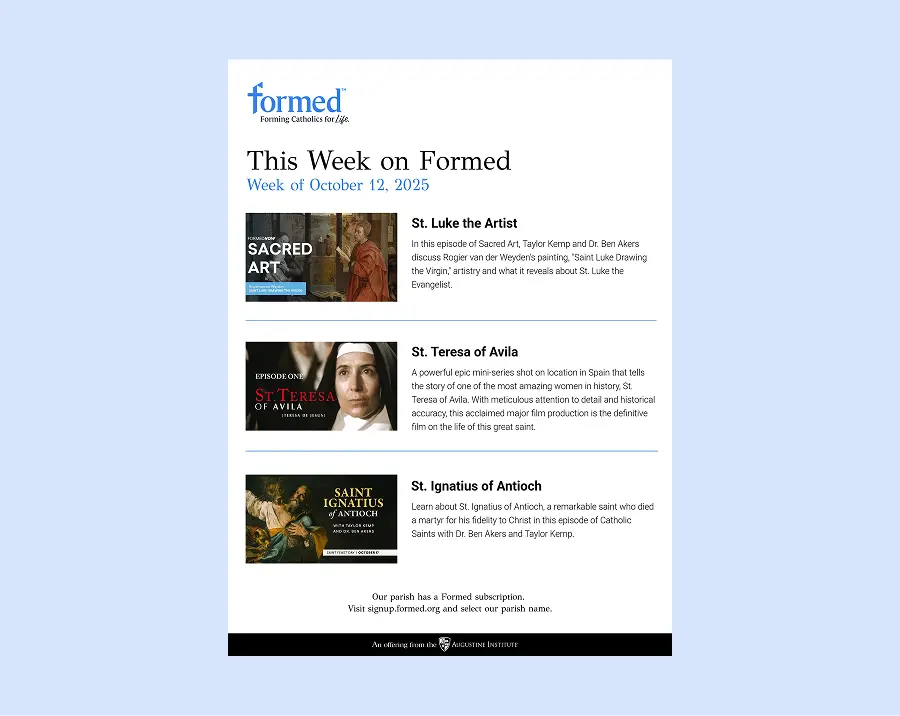
Full Page Downloads
These full-page JPG options are perfect for creating engaging bulletin inserts.
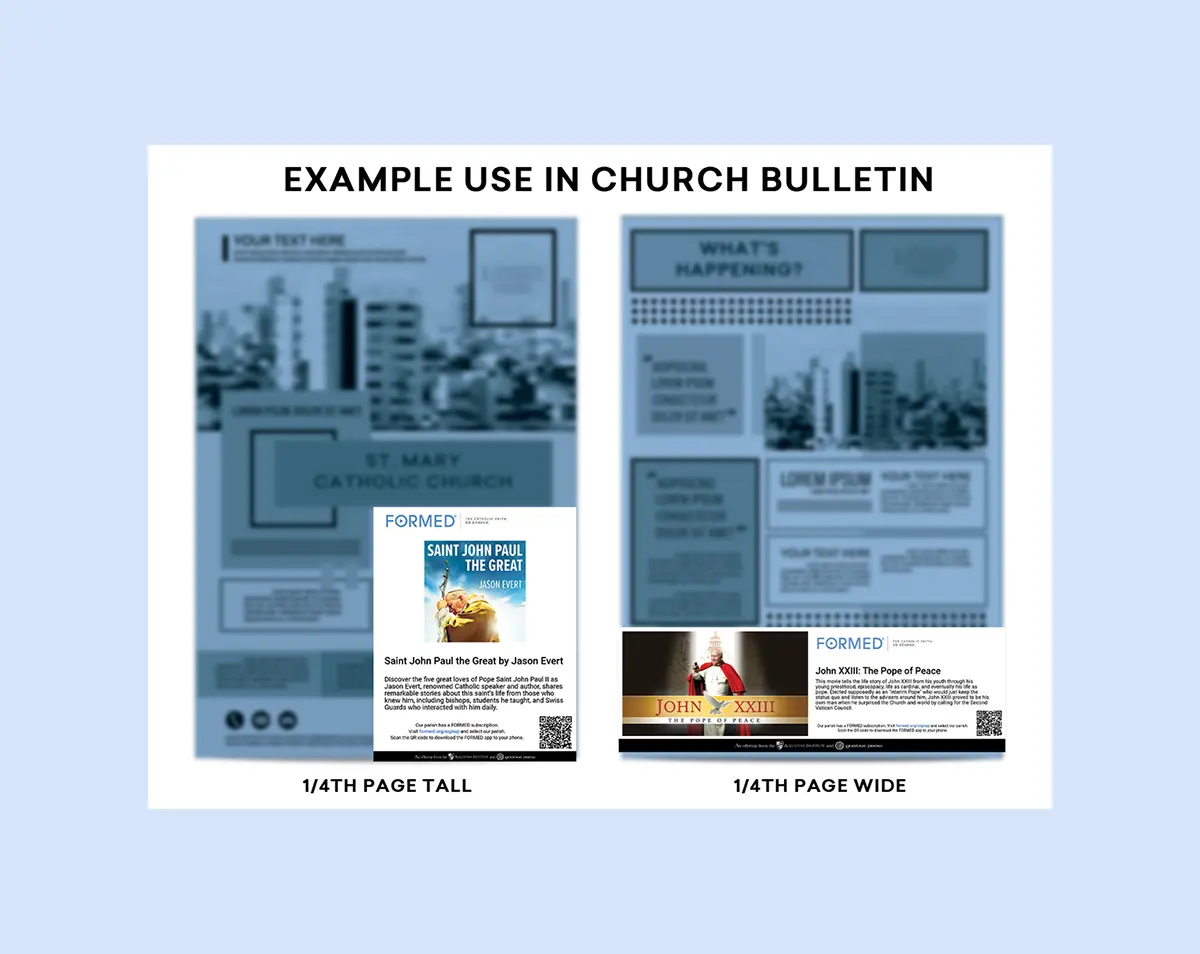
Individual Content Downloads
These individual video selections are ideal for promoting timely content in your bulletin or via your website, Facebook, Flocknote, email, or other social media.
Download options:
Download options:
Important Note
Do not scale the JPGs smaller than 1/4 page. This ensures the QR code remains legible at a minimum size of 2 x 2 cm (0.8 x 0.8 in). Smaller QR codes may become blurry and unusable.
View All
Description Only
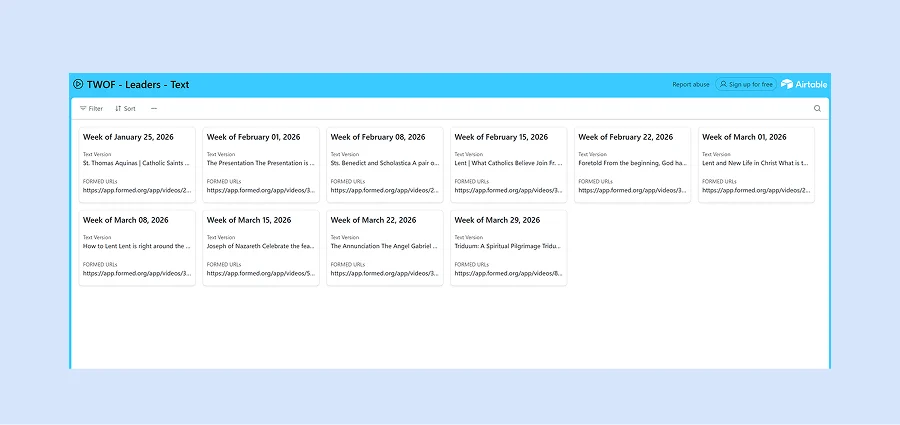
Instructions
Select the desired week, then copy and paste the description of the content.
View All
.webp)
Add This Week on Formed to your parish website:
Copy and paste the iFrame code below:
<iframe src="https://leaders.formed.org/files/potw-vert.html" width="100%" height="800"></iframe>
Copy
Notes:
Be sure you are in your editor’s “code/text view” when pasting the code.
The height assumes you will be placing the iFrame at a width of approximately 320 pixels.
If you place the iFrame into a narrower space, you’ll need to increase the height (otherwise it will display with a scroll bar).
Help Downloading Content
Step 01
Choose one of the filters (Full Page, Individual Content, or Descriptions Only), then click on "View All."
Step 02
Click on your chosen content/size.
Step 03